# QFieldCloud: missing login dialog
**URL:** https://community.qfield.org/t/qfieldcloud-missing-login-dialog/924
**Category:** Ask the Community
**Tags:** gh-import
**Created:** [14 May 2025 03:16 UTC](https://community.qfield.org/t/qfieldcloud-missing-login-dialog/924 "2025-05-14T03:16:50Z")
**Posts on this page:** 5
**Page:** 1
### Author:  [@system](https://community.qfield.org/u/system)
#### Post date: [14 May 2025 03:16 UTC](https://community.qfield.org/t/qfieldcloud-missing-login-dialog/924/1 "2025-05-14T03:16:50Z")
Hello,
first of all great work!
I create an account online and downloaded the plugin.
After trying to login over the blue button - nothing appears and QGIS stucks. Sync over mobile app and qcloud works. its a local machine problem.
Do I have give somewhere special permissions?
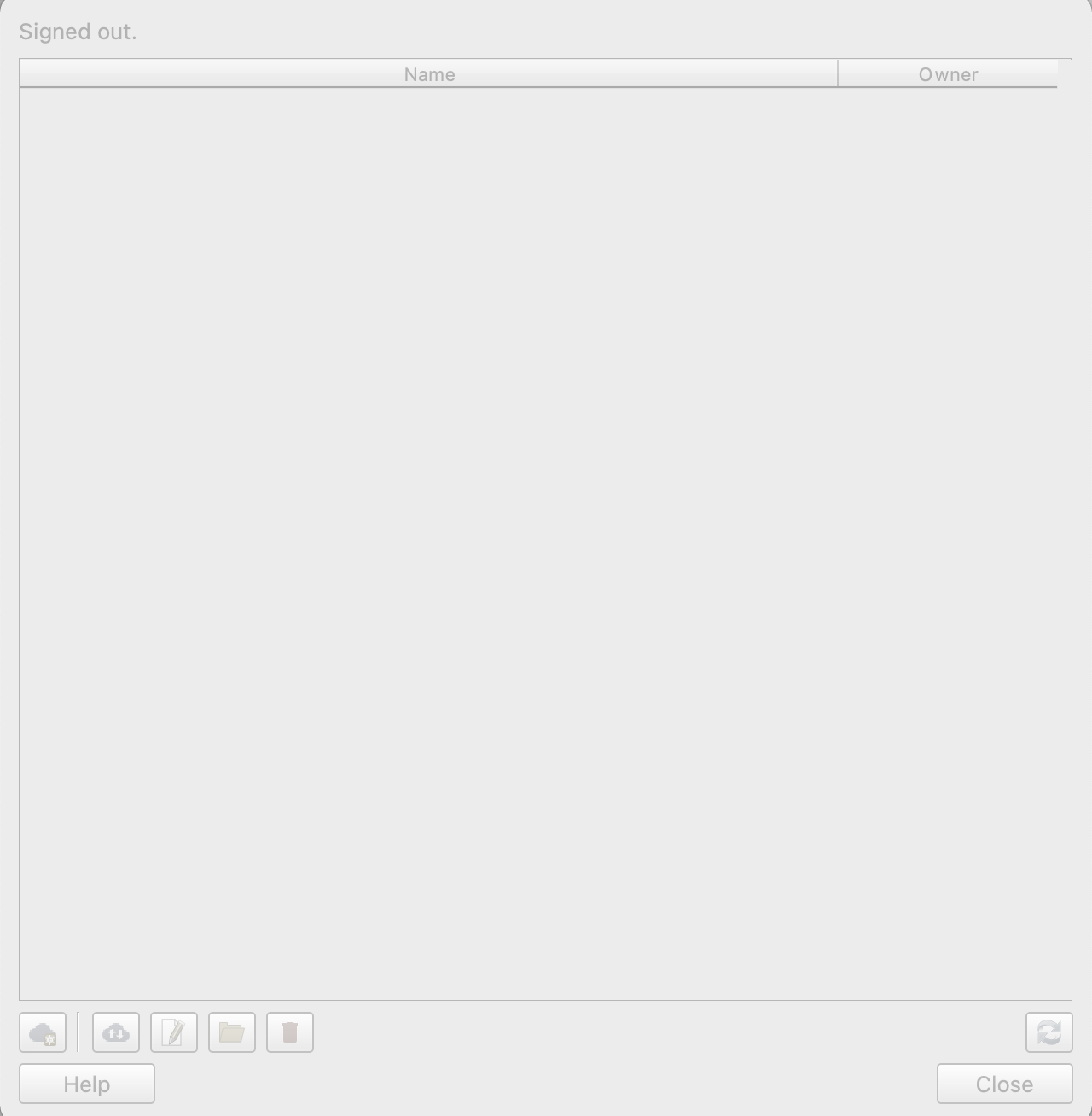
Here you find my specs.
_System Version: macOS 11.6 (20G165)_
| QGIS version | 3.22.1-Białowieża | QGIS code revision | 663dcf8fb9 |
| --- | --- | --- | --- |
| Qt version | 5.15.2 | | |
| Python version | 3.9.5 | | |
| GDAL/OGR version | 3.3.2 | | |
| PROJ version | 8.1.1 | | |
| EPSG Registry database version | v10.028 (2021-07-07) | | |
| GEOS version | 3.9.1-CAPI-1.14.2 | | |
| SQLite version | 3.35.2 | | |
| PDAL version | 2.3.0 | | |
| PostgreSQL client version | 12.3 | | |
| SpatiaLite version | 5.0.1 | | |
| QWT version | 6.1.6 | | |
| QScintilla2 version | 2.11.5 | | |
| OS version | macOS 11.6 | | |
| | | | |
| Active Python plugins | | | |
| SelectWithin | 0.4 | | |
| GpxSegmentImporter | 2.5 | | |
| zoom\_level | 0.1 | | |
| profiletool | 4.2.2 | | |
| quick\_map\_services | 0.19.28 | | |
| qgSurf | version 2.1.2 | | |
| qgis2web | 3.16.0 | | |
| qfieldsync | v4.0.0 | | |
| qgisnetworklogger | 0.2.0 | | |
| qgis-maptiler-plugin | 2.0.0 | | |
| Mergin | 2021.5.1 | | |
| processing | 2.12.99 | | |
| sagaprovider | 2.12.99 | | |
| grassprovider | 2.12.99 | | |
| db\_manager | 0.1.20 | | |
| MetaSearch | 0.3.5 | | |
QGIS version 3.22.1-Białowieża QGIS code revision [663dcf8fb9](https://github.com/qgis/QGIS/commit/663dcf8fb9) Qt version 5.15.2 Python version 3.9.5 GDAL/OGR version 3.3.2 PROJ version 8.1.1 EPSG Registry database version v10.028 (2021-07-07) GEOS version 3.9.1-CAPI-1.14.2 SQLite version 3.35.2 PDAL version 2.3.0 PostgreSQL client version 12.3 SpatiaLite version 5.0.1 QWT version 6.1.6 QScintilla2 version 2.11.5 OS version macOS 11.6
* * *
_Imported from [GitHub discussion](https://github.com/opengisch/qfield/discussions/2732) by @qbsho on 2022-04-12T05:37:44Z_
---
### Author:  [@system](https://community.qfield.org/u/system)
#### Post date: [14 May 2025 03:16 UTC](https://community.qfield.org/t/qfieldcloud-missing-login-dialog/924/2 "2025-05-14T03:16:52Z")
Hi, I have the same issue also.
Looking forward to a fix and to using the Cloud in QGIS!
* * *
_Imported from [GitHub comment](https://github.com/opengisch/QField/discussions/2732#discussioncomment-2558882) by @NJMC on 2022-04-13T11:17:32Z_
---
### Author:  [@system](https://community.qfield.org/u/system)
#### Post date: [14 May 2025 03:16 UTC](https://community.qfield.org/t/qfieldcloud-missing-login-dialog/924/3 "2025-05-14T03:16:53Z")
Hey NJMC qbsho , thanks for reporting your issues. I believe you are missing the login dialog somewhere between your QGIS windows.
Here I posted the disabled projects dialog on the right and the login dialog you need to use on the left.

* * *
_Imported from [GitHub comment](https://github.com/opengisch/QField/discussions/2732#discussioncomment-2590955) by @suricactus on 2022-04-19T07:51:10Z_
---
### Author:  [@system](https://community.qfield.org/u/system)
#### Post date: [14 May 2025 03:16 UTC](https://community.qfield.org/t/qfieldcloud-missing-login-dialog/924/4 "2025-05-14T03:16:55Z")
Yes, thats correct.
So switching through open tabs didn’t work out.
Finally after moving the the whole application to a new screen and switching the focus with the cursor the dialog appears somewhere.
Was able to move it to the right place and fix the issue.
Maybe setting higher dialog view hierarchy index will fix it by default.
Thanks for you support!
* * *
_Imported from [GitHub comment](https://github.com/opengisch/QField/discussions/2732#discussioncomment-2591041) by @qbsho on 2022-04-19T08:04:00Z_
---
### Author:  [@system](https://community.qfield.org/u/system)
#### Post date: [14 May 2025 03:16 UTC](https://community.qfield.org/t/qfieldcloud-missing-login-dialog/924/5 "2025-05-14T03:16:56Z")
This seems to be an MacOS problem, will try to find a fix!
* * *
_Imported from [GitHub comment](https://github.com/opengisch/QField/discussions/2732#discussioncomment-2591574) by @suricactus on 2022-04-19T09:21:28Z_