aliasatp Hey, thanks for testing QFieldCloud and posting a well structured question!
There are two options for you:
- you keep your current workflow you described and as a step 5) you create a local script that syncs back from the
.gpkgto the PostGIS DB. - you upload your project to QFieldCloud with the PostGIS credentials, so QFieldCloud does the synchronization for you.
2.1) first when creating the project, select the latter option “create a new empty QFieldCloud project”:
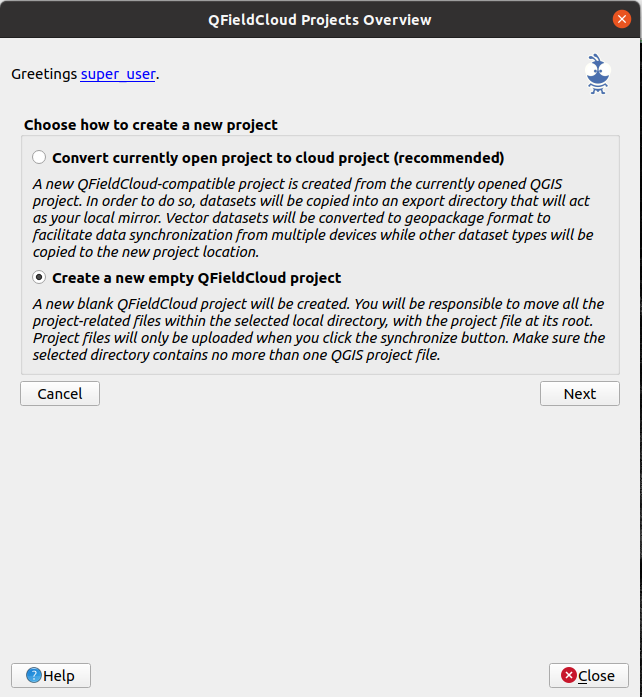
2.2) syncrhonize your local project with the cloud. Make sure you PostGIS credentials are stored withing the
.qgs/.qgz project file (read below) and that layer is marked as offline editing.2.3) QFieldCloud will be able to sync with your original PostGIS now.
Note you might feel unconfortable to put your PG credentials in the project file, which is understandable. However, this is the only way to achieve it for now. In the next 3 months there will be a new functionality to store encrypted an .pgservice credentials on the cloud.
Hope it helps!
Imported from GitHub comment by @suricactus on 2022-03-09T07:51:23Z