Hi everyone,
Since today, one of our QField Cloud projects suddenly stopped syncing on all QField devices.
When trying to sync, we get the message in QField:
“A network error has occured, please try again.” or “Erreur de téléchargement. Tâche(28d60457-d1ae-4184-bdad-c83f44cf05f8) terminée avec un état d’échec.”
In QFieldCloud, the project shows:
“Failed to parse metadata from project. Re-upload the QGIS project file (.qgs/.qgz).”
We’ve already re-uploaded the project several times from QGIS using the QFieldSync plugin (.qgs), but the issue persists.
 What still works
-
Pushing new data (geometries + photos) from QField to the Cloud works fine.
-
Pulling data from the Cloud into QGIS also works perfectly.
-
Only the project sync / metadata parsing fails.
 Tried so far
-
Re-uploading the project multiple times
-
Checked all layers and relative paths
-
Tested on different devices and networks
 Question
Has anyone experienced this issue before?
Any ideas what could cause the “Failed to parse metadata” error even though syncing data still works?
Thanks in advance!
Regards, COFT-Team
Tommy
Hi Tommy!
Sorry for the inconvenience! We unfortunately experienced a service disruption yesterday while you were trying to sync your project. Things should be back to normal right now.
So could you please try to sync your project again today? If it still doesn’t work, could you please:
- Go to your project on app.qfield.cloud
- Go to the “Jobs” section
- Have a look at the most recent failed jobs from today and let me know their IDs?
Thank you!
Hi Lukas,
Thanks a lot for the clarification!
I tried syncing again last night and this morning, and it worked — also for the 10 project collaborators, everything synced without any issue! Thanks again for fixing it.
Out of curiosity, could you tell us what exactly caused the problem? Just for our understanding.
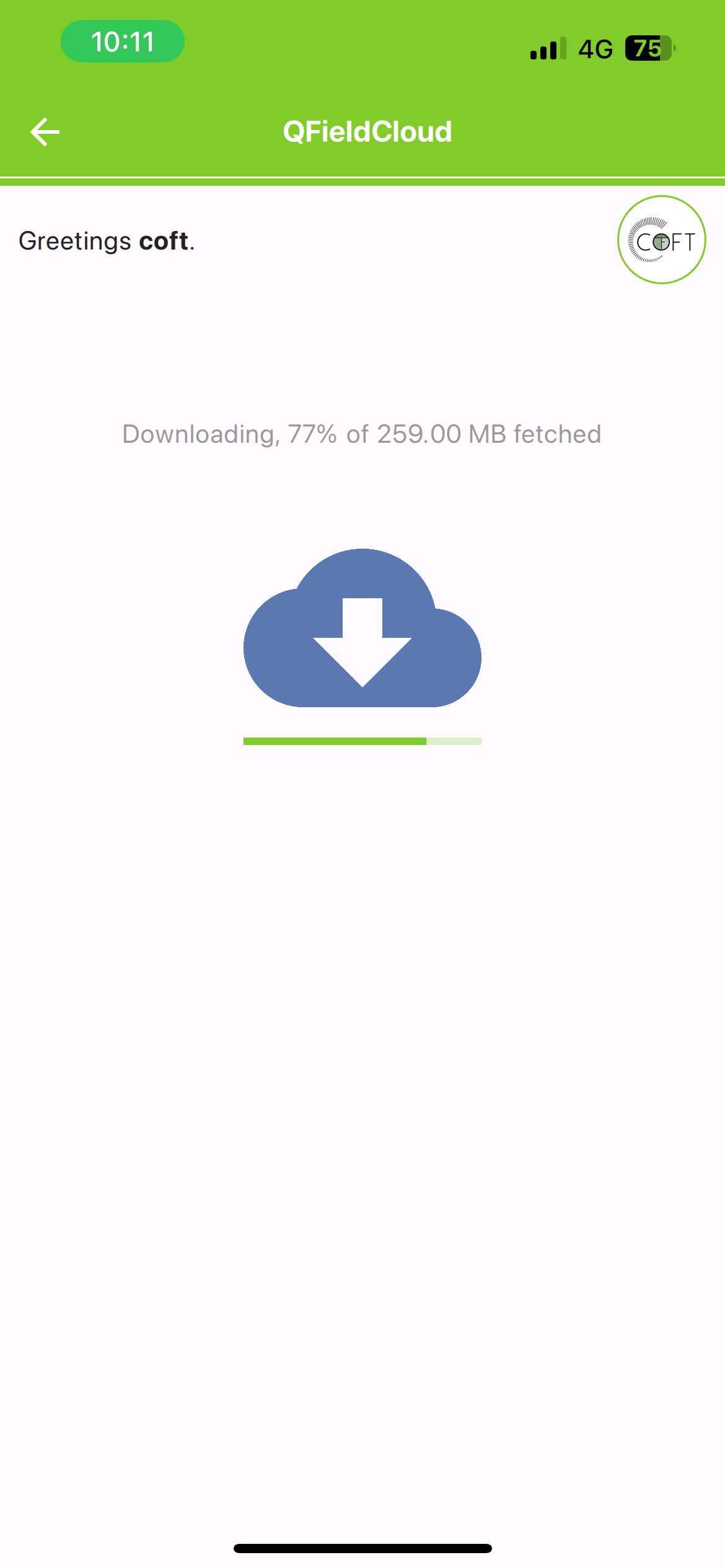
One more note: our project is quite large (around 250 MB) since it includes multiple georeferenced building plans and a large amount of data. Is it normal that syncing — even with a strong 5G connection — takes about 6–7 minutes?
Also, we’ve noticed that the QField app crashes often on Samrtphones (Iphone for ex.) with this project size, while it runs quite fine on iPads. Is that expected behavior?
Therefore, do you have any recommendations on ideal tablet specs (iOS or Android) to ensure optimal performance with large QField projects?
Thanks a lot again for your technical feedback and support!
Best, COFT-Team,
Tommy
Hi Tommy,
Thank you for the feedback!
As for the reason for the service disruption I mentioned, that was caused by an unusually high load on the server, which then resulted in jobs taking longer to finish, and sometimes timing out. This in turn lead to the job queue getting backed up. Currently, it looks like some latency spikes in our service provider’s object storage were the root cause that lead to this.
Because of this, syncing times that you observed during those days are not necessarily representative for the usual speeds. Service was restored, but because of after effects performance was still degraded for a while.
I don’t know of any specific mobile device recommendations for handling large projects. I will have to see if I can get you some information on that.
Hi Lukas,
thanks a lot for the detailed explanation!
We’ve already noticed that syncing speeds have stabilized again, so it seems everything is back to normal. Thanks as well for checking into possible device recommendations.
Really appreciate your help and advice!
Best,
COFT-Team,
Tommy